 Tools Tracker Team
Scan a QR Code or Type a Number: Two Ways to Find a Tool
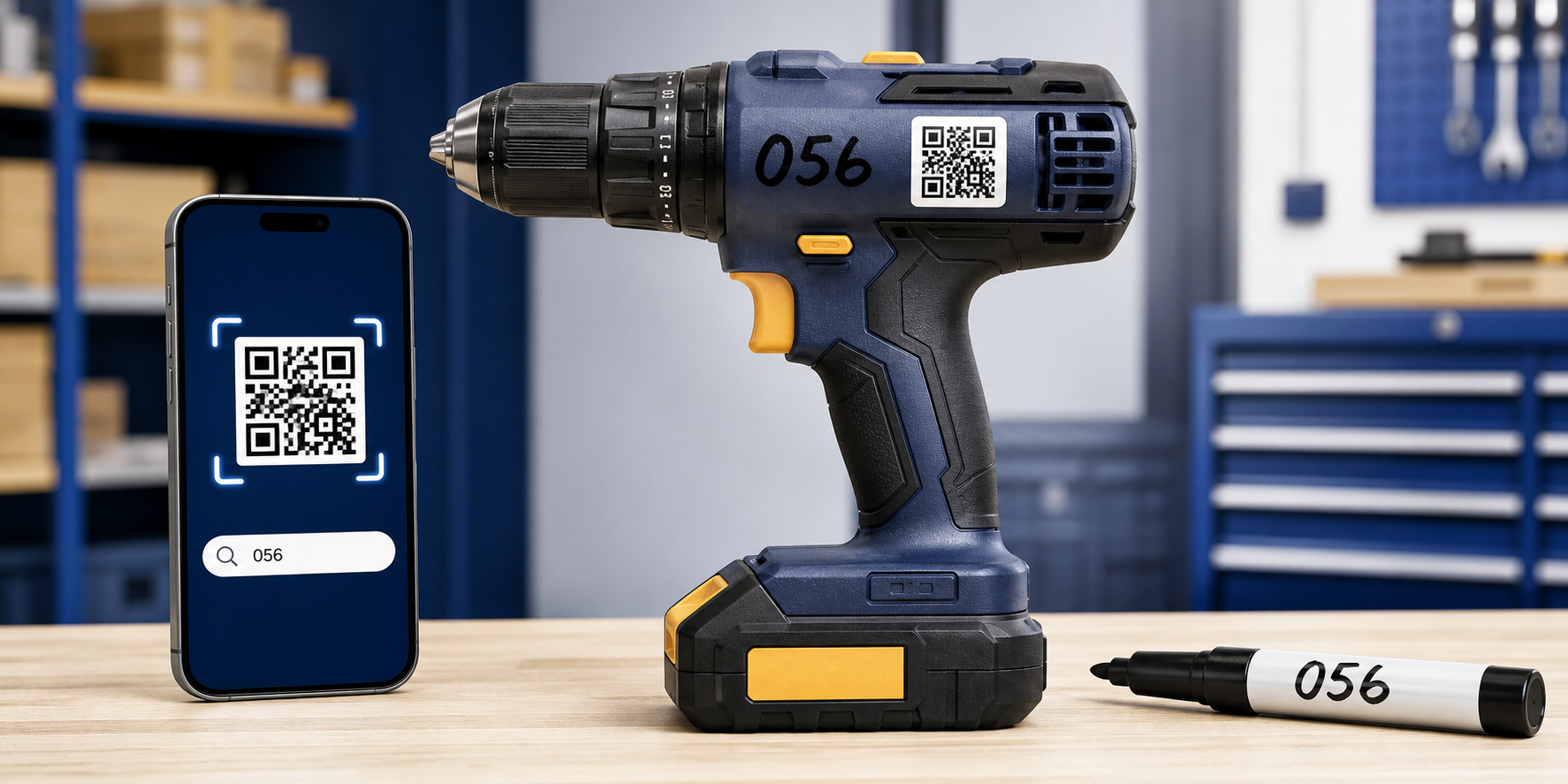
Attach an existing QR code or write a short number such as 056 on the tool and find it inside the relevant workspace.
Read more→Scan QR codes, transfer equipment between people, organize warehouses and run inventory checks from any phone.
Tools TrackerReal-time


Designed for
Keep reusable tools and consumable materials under control in one system, from receipt to the final write-off.
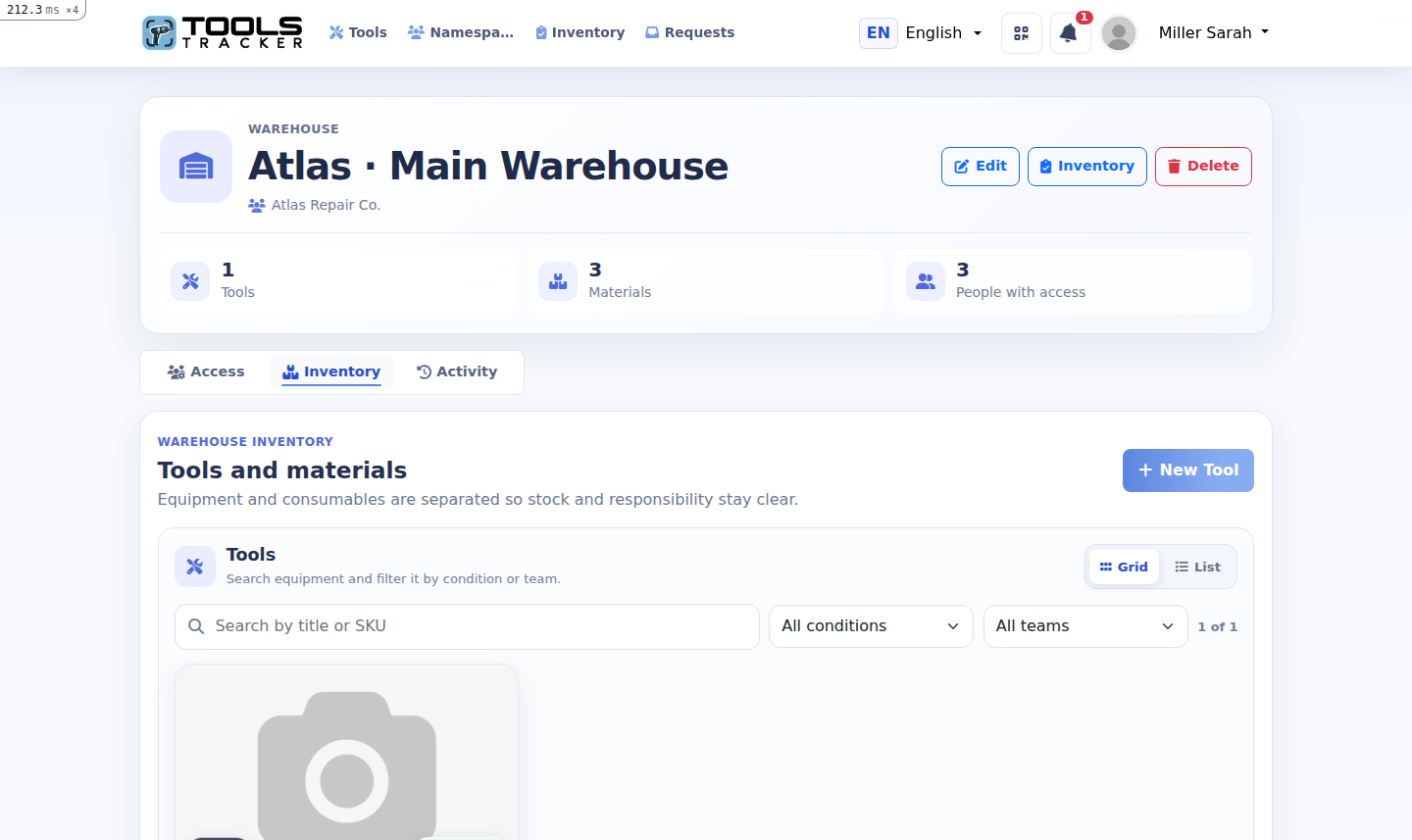
Create warehouses, job sites, rooms or service vans and move tools directly between people and locations.
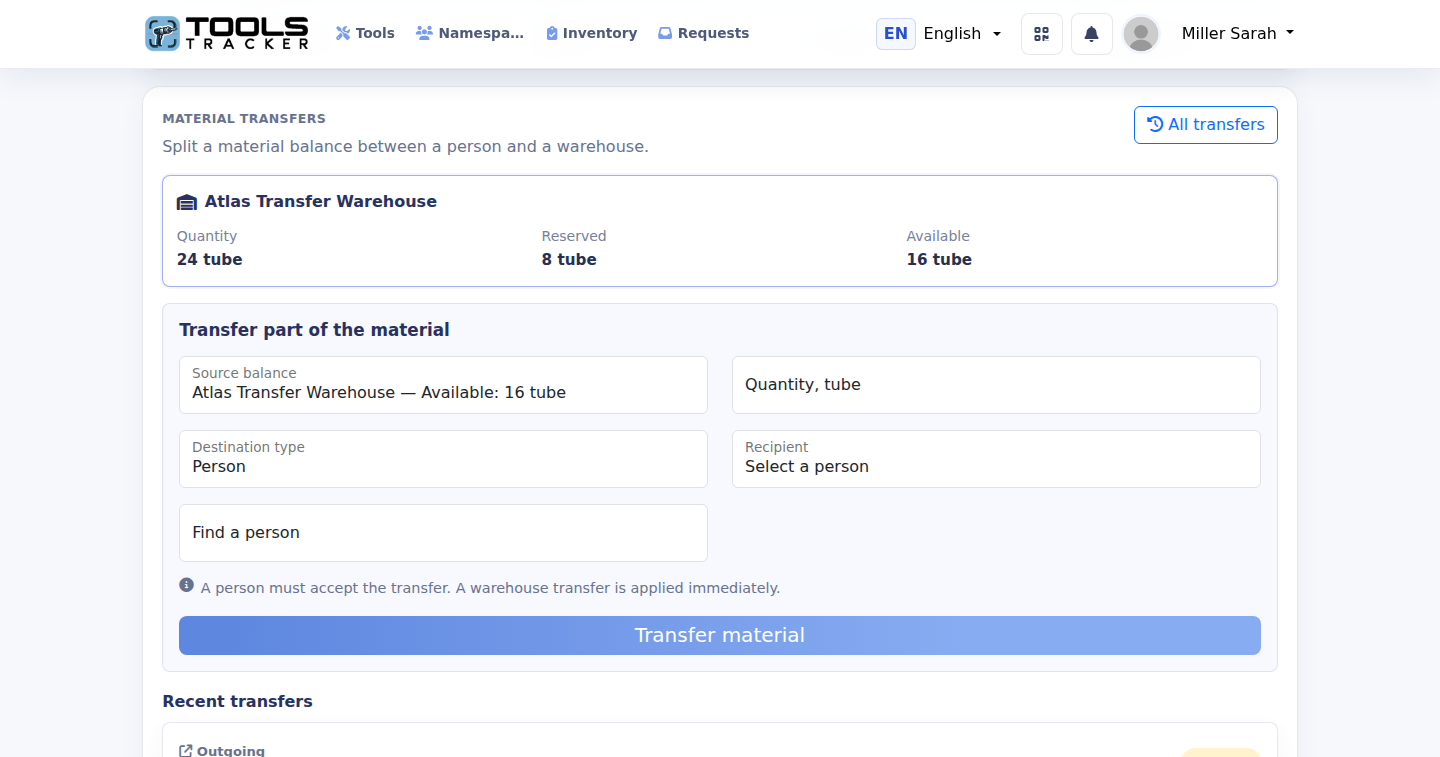
One material can have separate balances with a worker and at several warehouses, each with its own available and reserved quantity.
Every person, tool and storage location gets a simple digital record that stays current as work moves.
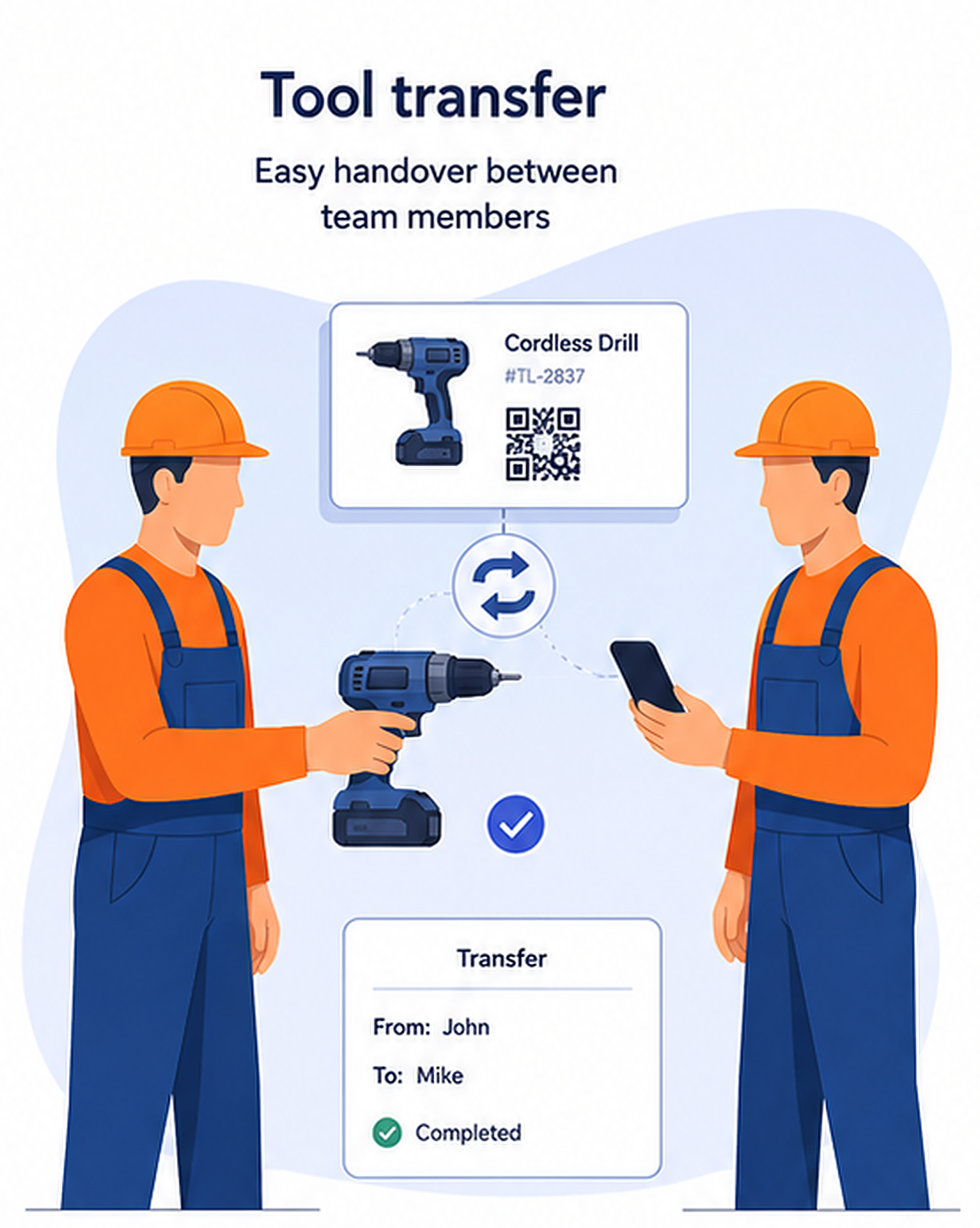
Confirm who gives, who receives and when the transfer happened. Every movement remains in the history.
Create groups for a project, company or crew and give everyone access to the tools they actually use.

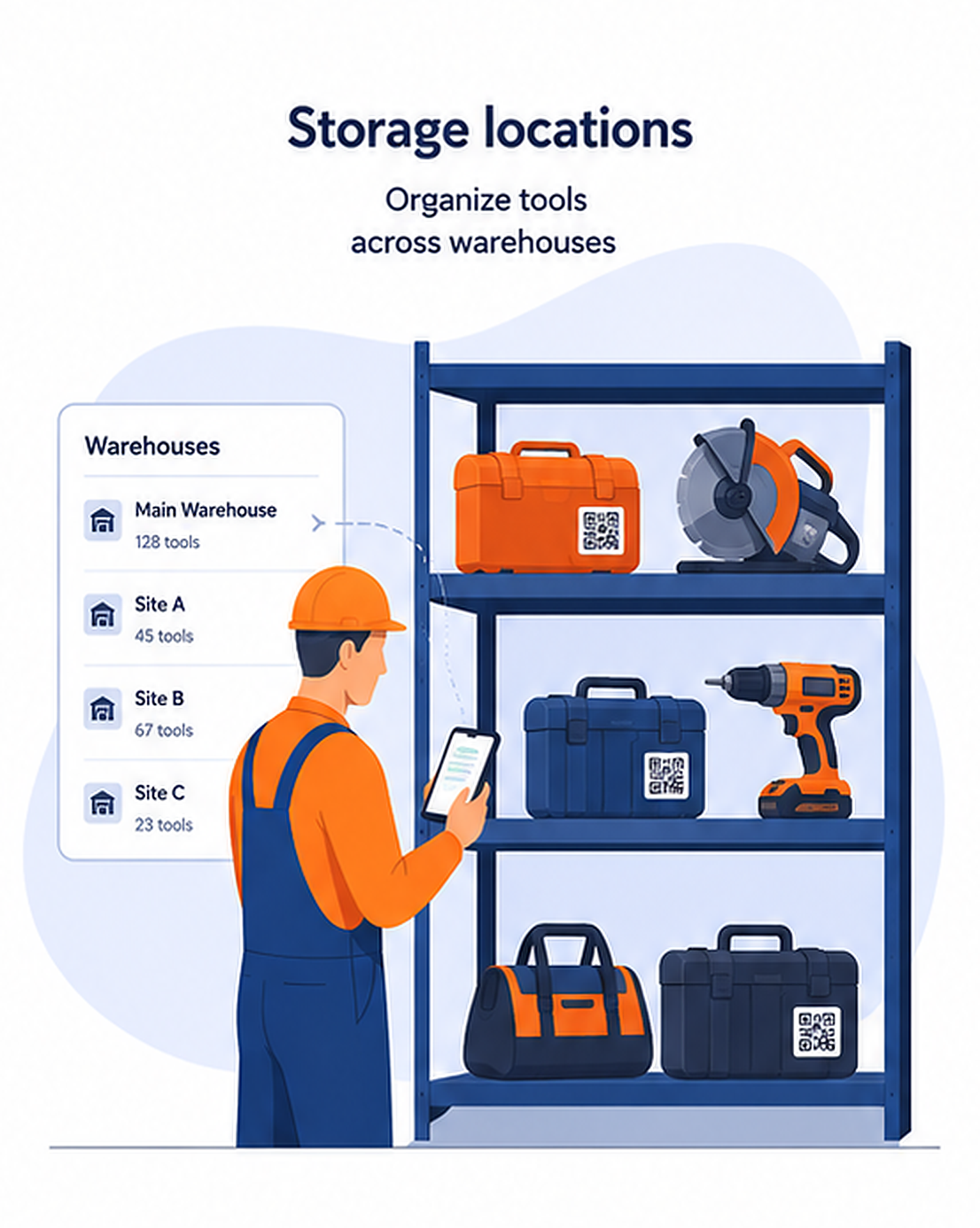
See exactly where each tool belongs and move stock between locations without losing the trail.
Scan items, mark found or missing equipment and instantly share a clean result with the whole team.
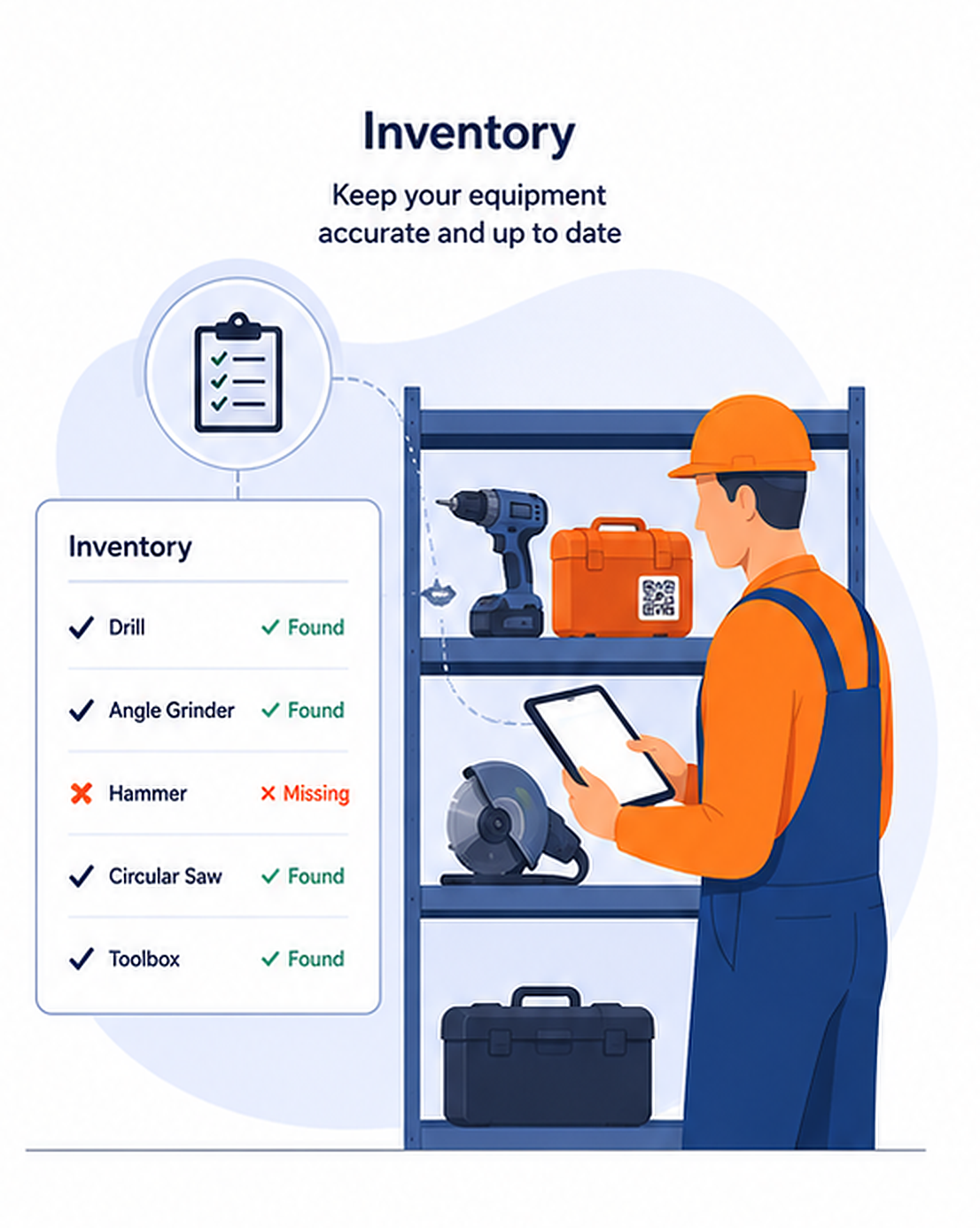
A focused system for teams that need control without complicated enterprise software.
See every assignment, transfer, return and status change in one chronological record.
Generate, print and attach a unique code to every item for instant search and updates.
Understand what is available at every location before work starts.
Keep admins in control while workers get a fast, focused experience.
Get notified about transfers, missing tools and maintenance.
Add a tool, attach its QR label and let the team work. No lengthy implementation.
Come up with a name, write a description, add a serial number. Take several photos. The application will generate a QR code
+Put the code on the tool or case. Scan it to open the correct item immediately.
⌗Assign the item to a person, group or location and keep a reliable history as it moves.
⇄Add tools, create QR codes, track who has each item, manage locations and share tools with your team without subscriptions or paid tiers.
Practical guides about QR code tool tracking, equipment inventory, team accountability, and mobile workflows for construction crews, workshops, and service teams.
 2026-08-06
Tools Tracker Team
2026-08-06
Tools Tracker Team
Attach an existing QR code or write a short number such as 056 on the tool and find it inside the relevant workspace.
Read more→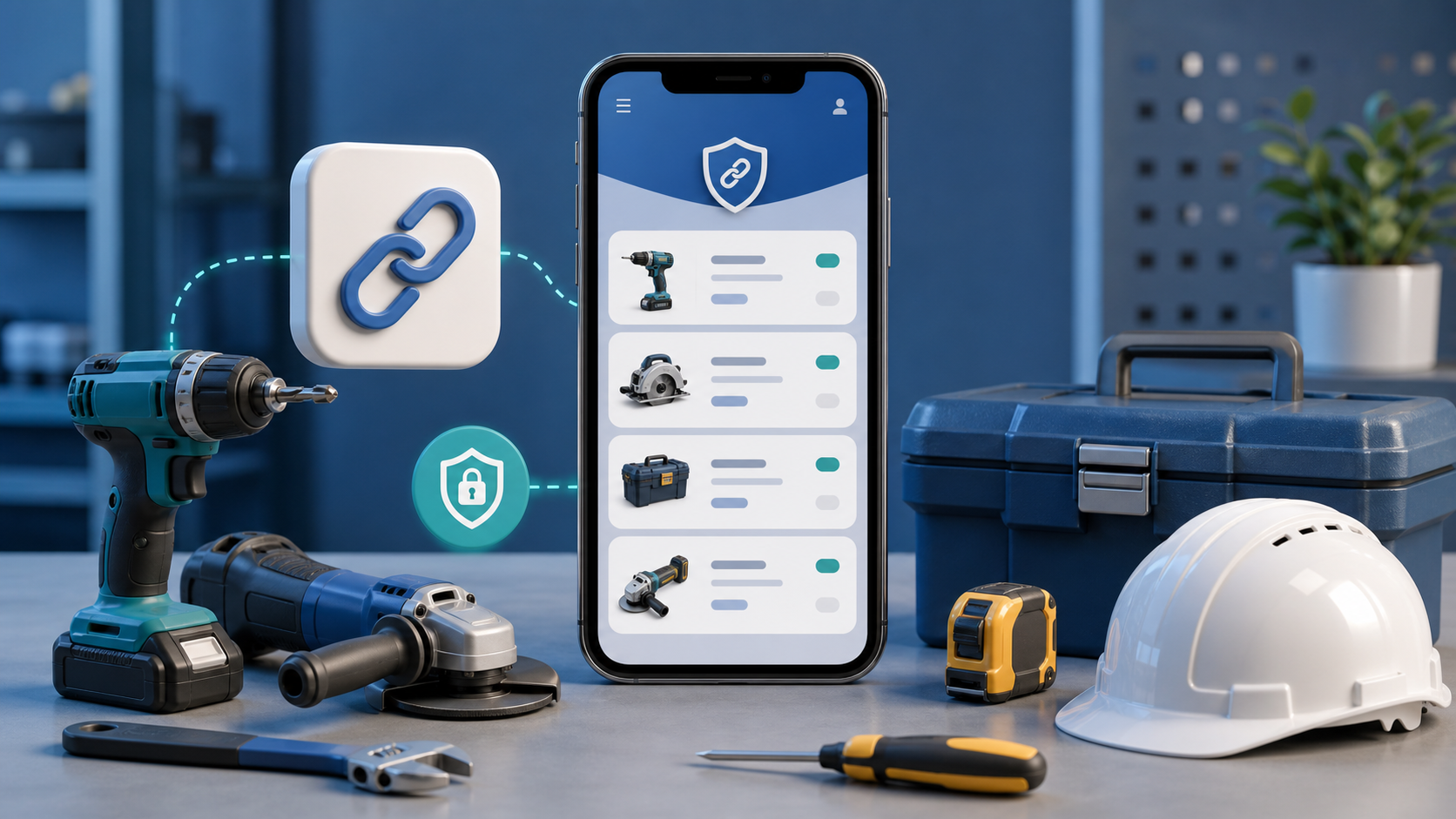 2026-06-18
Tools Tracker Team
2026-06-18
Tools Tracker Team
A foreman can share a private worker link so a field worker can see assigned tools without signing in.
Read more→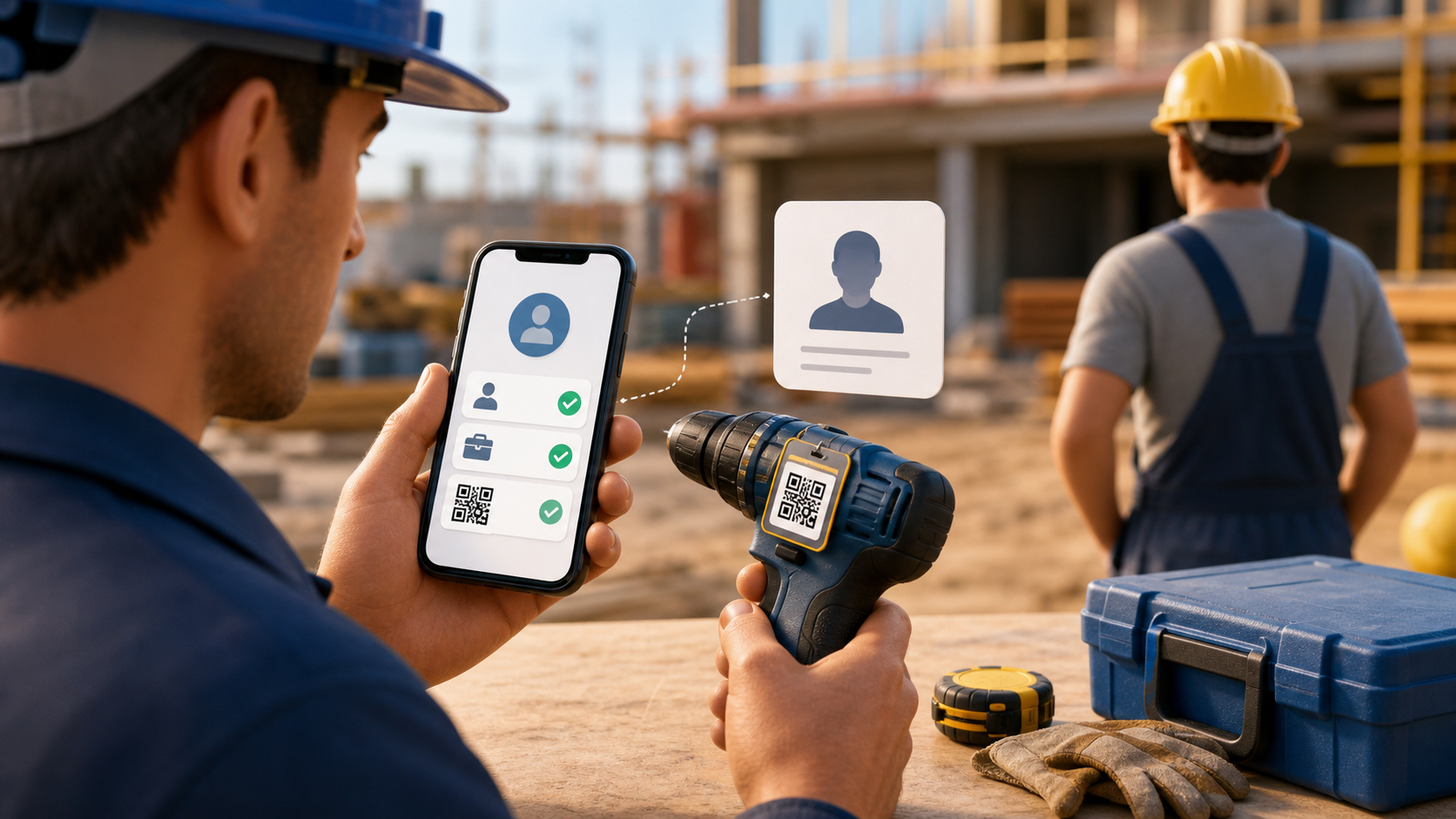 2026-06-17
Tools Tracker Team
2026-06-17
Tools Tracker Team
Tools Tracker lets a foreman create a worker without a phone number, so tool handovers can be recorded even when not every worker has an account.
Read more→Download Tools Tracker and create your first QR-labelled item today.